
Free Resource
Maya Hotkeys + Workflow Tricks
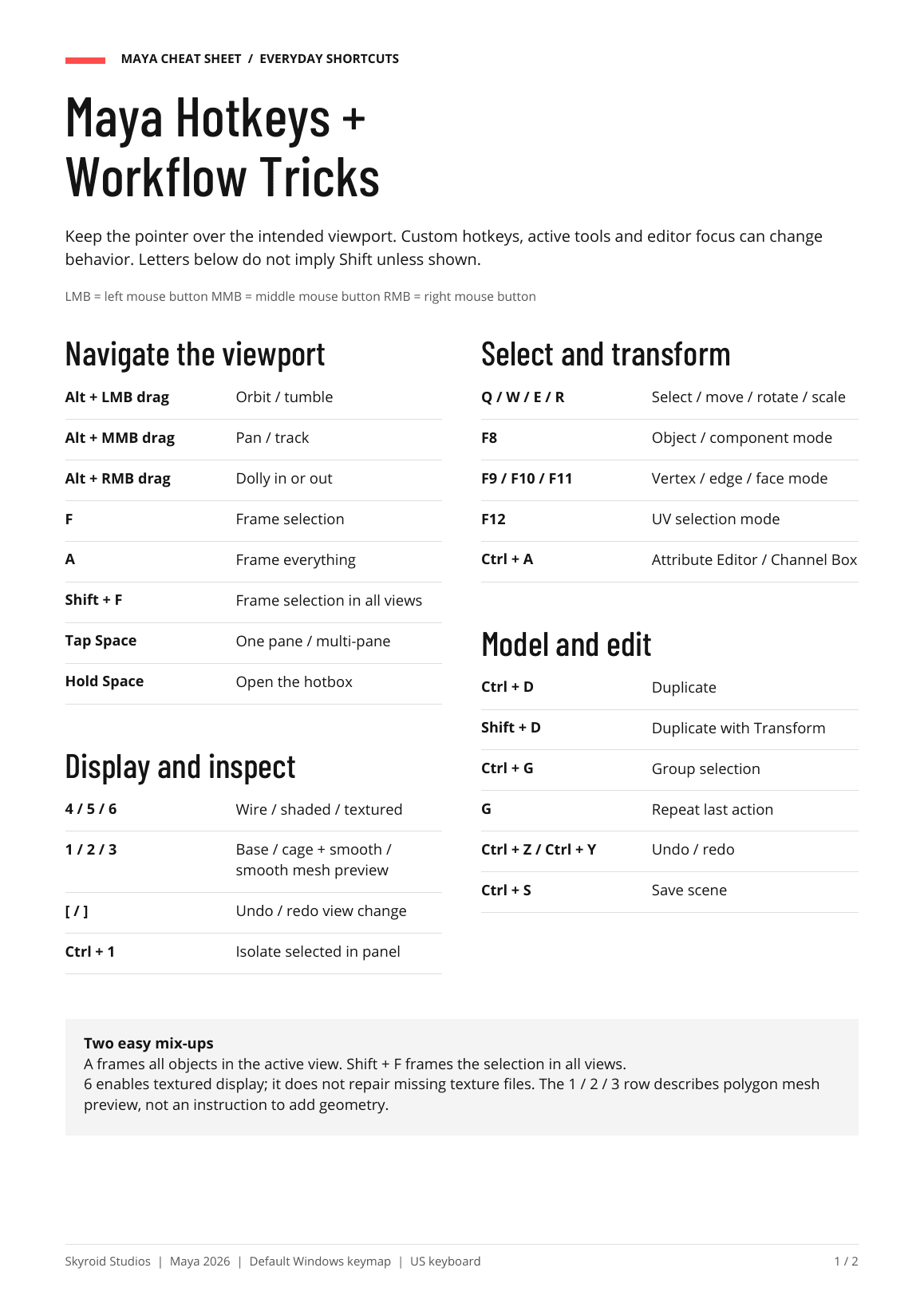
The cheat sheet from our 5 Maya Habits post. Free, no signup.
A quick reference for everyday shortcuts, marking menus and practical workflow tips. Two pages, print-friendly.
Shortcuts follow the Maya 2026 default Windows keymap (US keyboard). Custom hotkeys or other platforms may differ.
What's inside
- Viewport navigation, display and selection hotkeys
- Component-mode and UV selection shortcuts (F8-F12)
- Modeling essentials: duplicate, group, repeat, undo, save
- Marking-menu moves: RMB, Ctrl + RMB, Shift + RMB, W + LMB
- Five workflow tricks: view recovery, isolation bookmarks, quick select sets, duplicate spacing, incremental save + autosave
- Official Autodesk reference links for every topic
Optional
Want more free Maya and Unreal tools?
We're building free plugins, tools and cheat sheets. Get them by email when they drop.
Skyroid Studios
Need it built, not just learned?
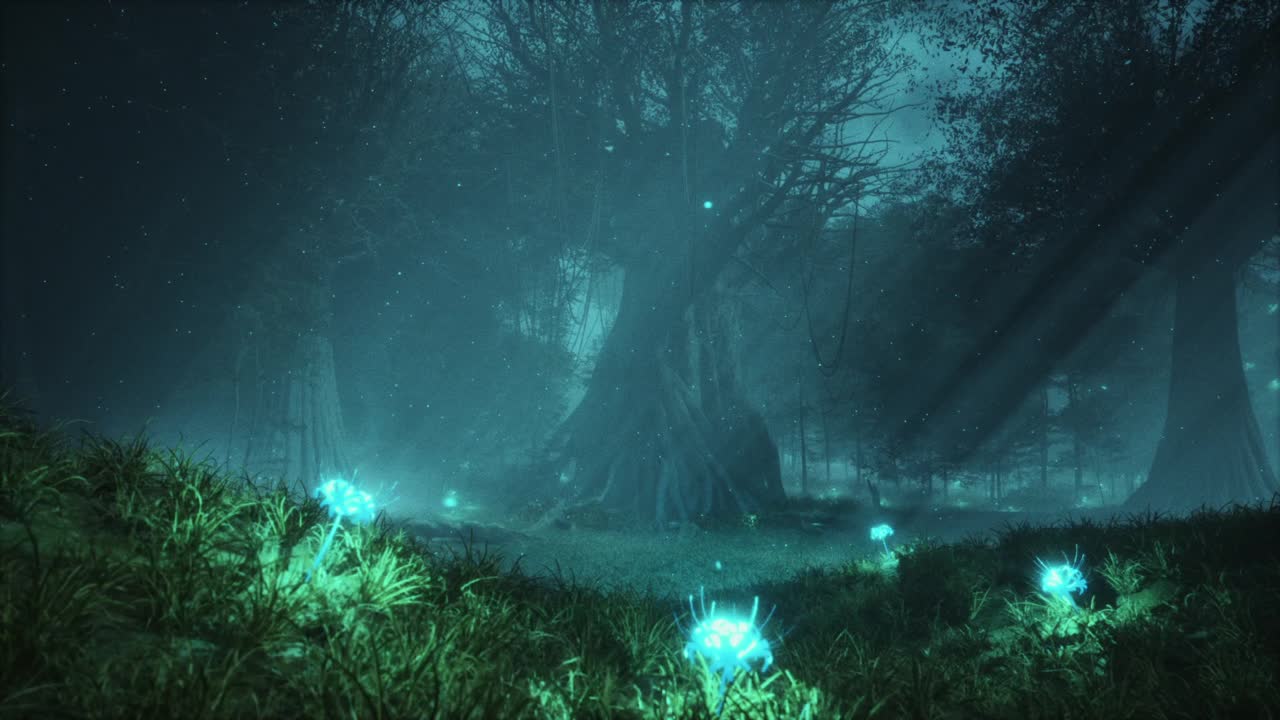
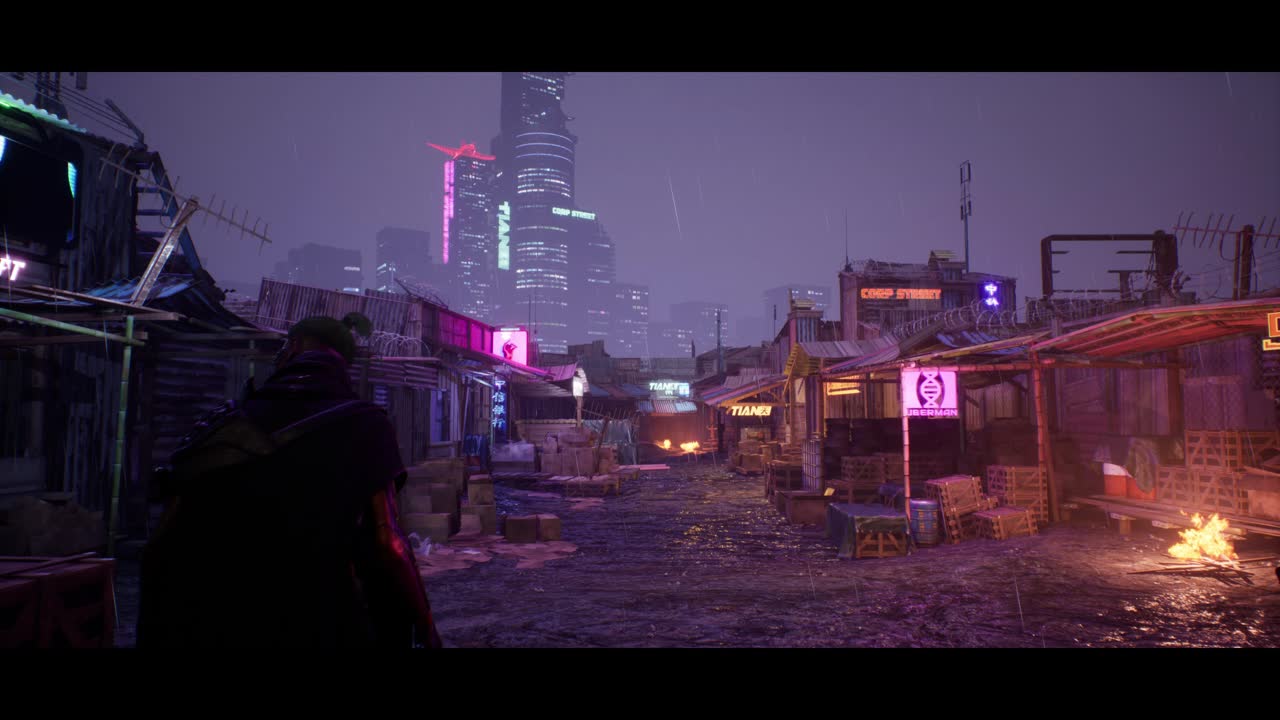
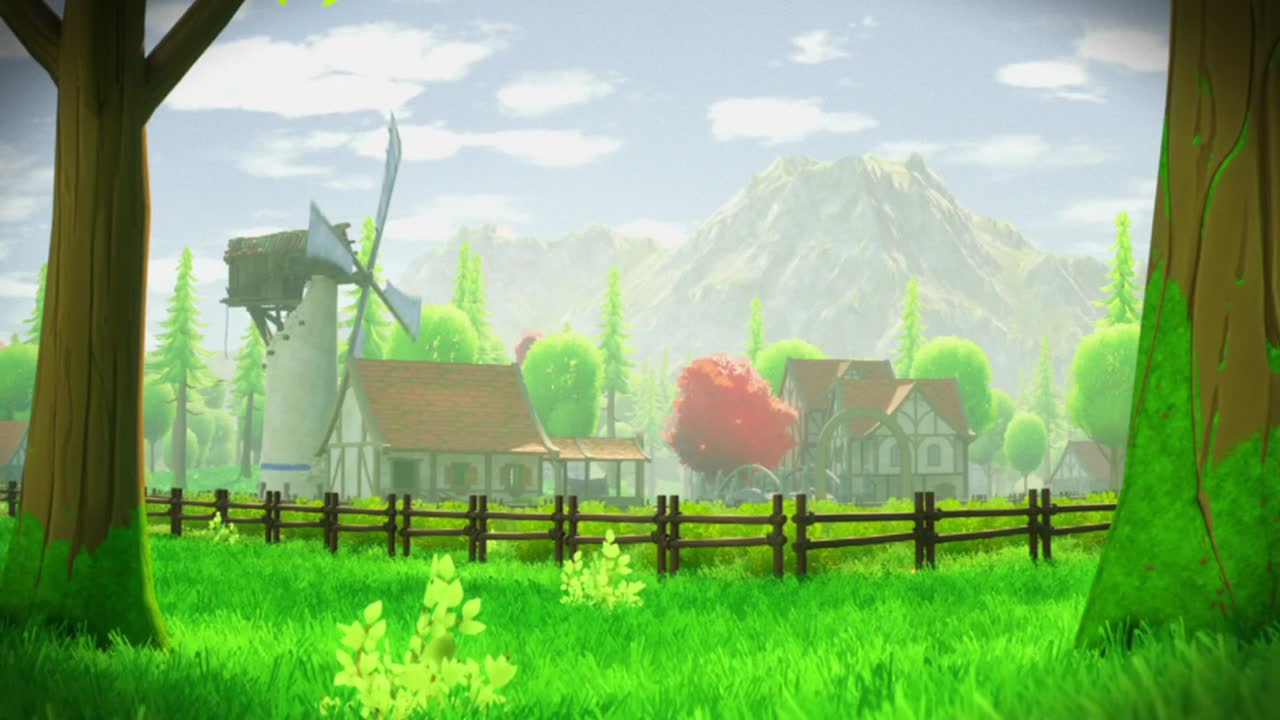
Skyroid Studios is a Chicago 3D production and game development studio specializing in environments. We build UE5 environments, playable demos and VR experiences for game studios, startups, agencies and brands.
Follow @skyroidstudios for a new workflow tip every week, or browse all our free resources.